
A big screen can make a pub quiz feel more like a real event. Players can see the board, follow the categories, watch scores change, and stay engaged between questions.
This guide shows how to run a pub quiz night with QuizStage, from planning the board to hosting the live game on a TV, projector, or monitor.
Plan the quiz format
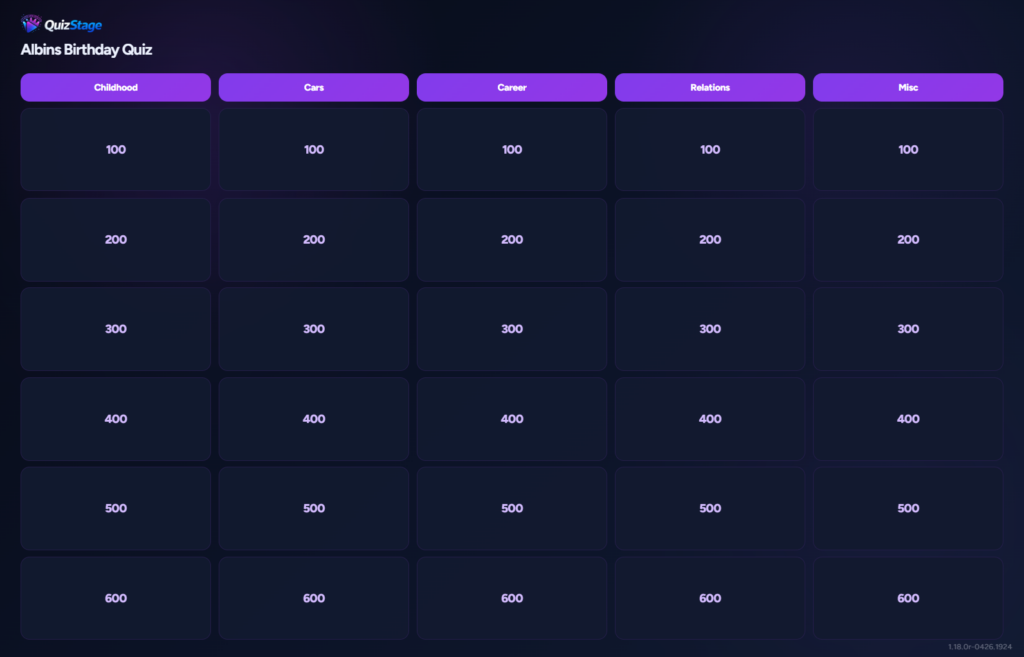
Start with a simple format that is easy to explain. A classic pub quiz might include five or six categories, each with several questions and point values.
Good category ideas include General Knowledge, Music, Movies, Sports, Local Trivia, Picture Round, and Final Round.
Create the show in QuizStage
From the dashboard, create a new show with a title that fits the event. Choose Classic mode if teams will answer on paper or verbally and the host will manage scoring.
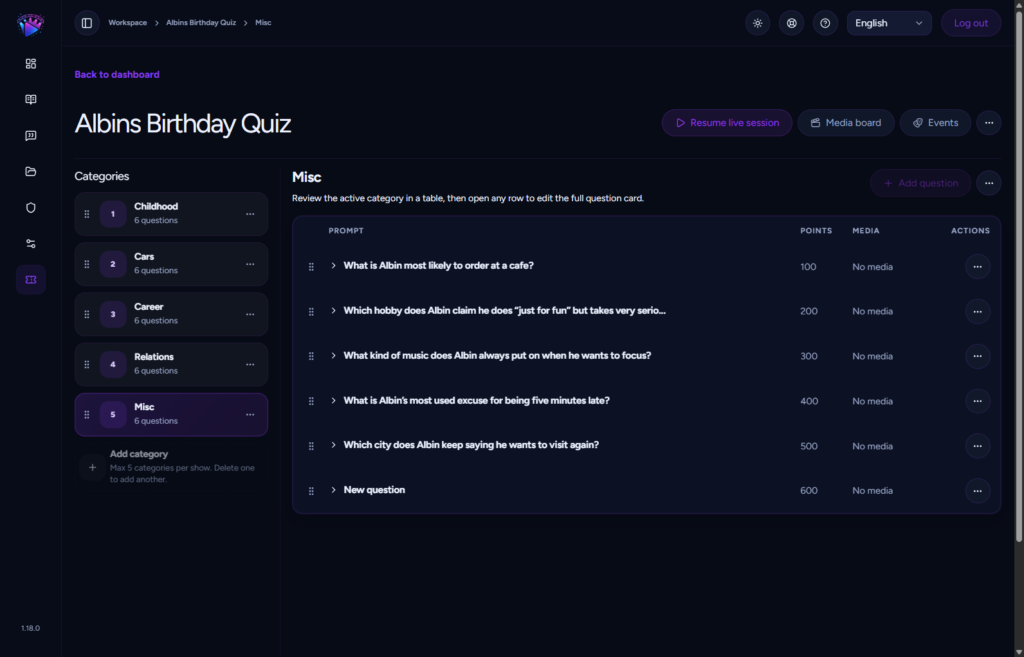
Add your categories, questions, answers, and point values in the show editor.
Set up the big screen
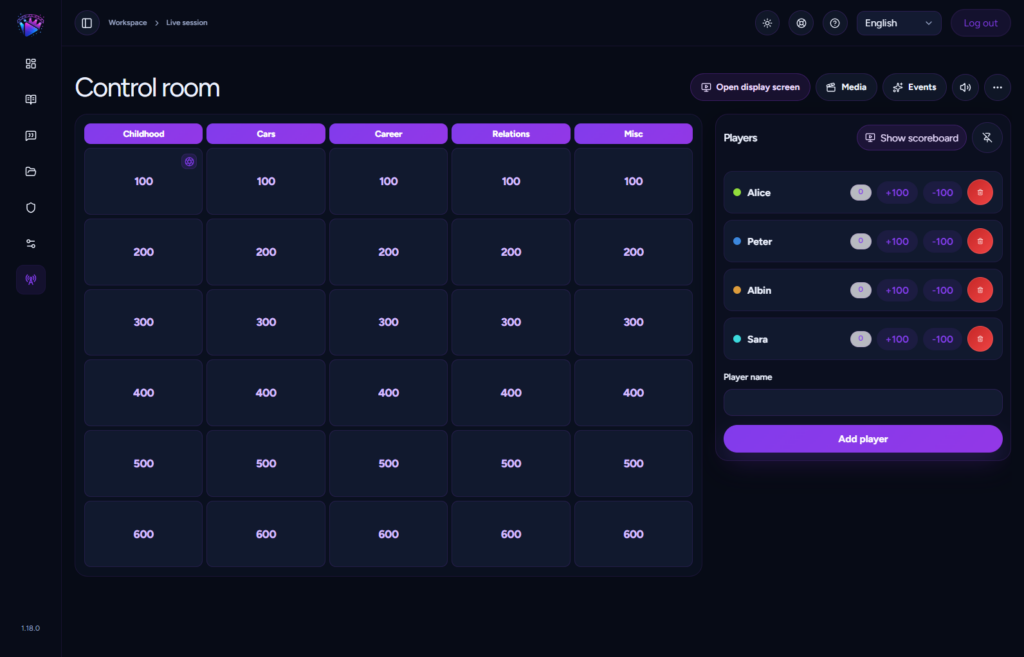
Start the live session and open the public display on the venue screen. Keep the host control room on your laptop or private device, and put the public display on the TV, projector, or monitor players can see.
Before the event starts, check that the board is readable from the back of the room.
Add teams and scoring
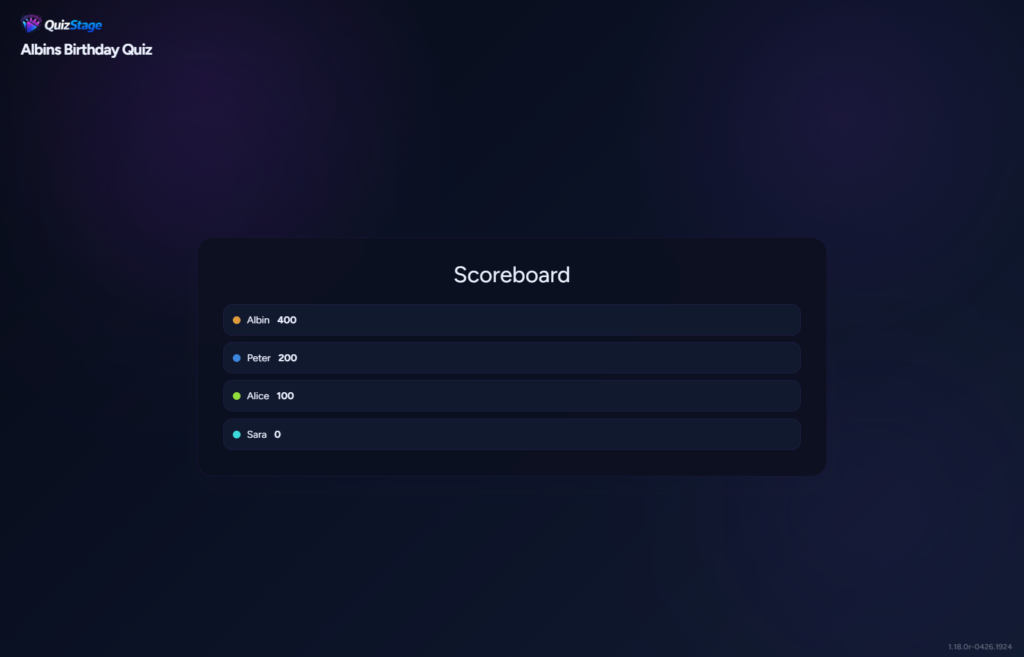
Add each pub quiz team in the players panel. Use short team names so the scoreboard stays clean and readable.
Show the scoreboard between rounds instead of after every question. That keeps the game moving while still giving players the excitement of seeing the standings.
Use media for atmosphere
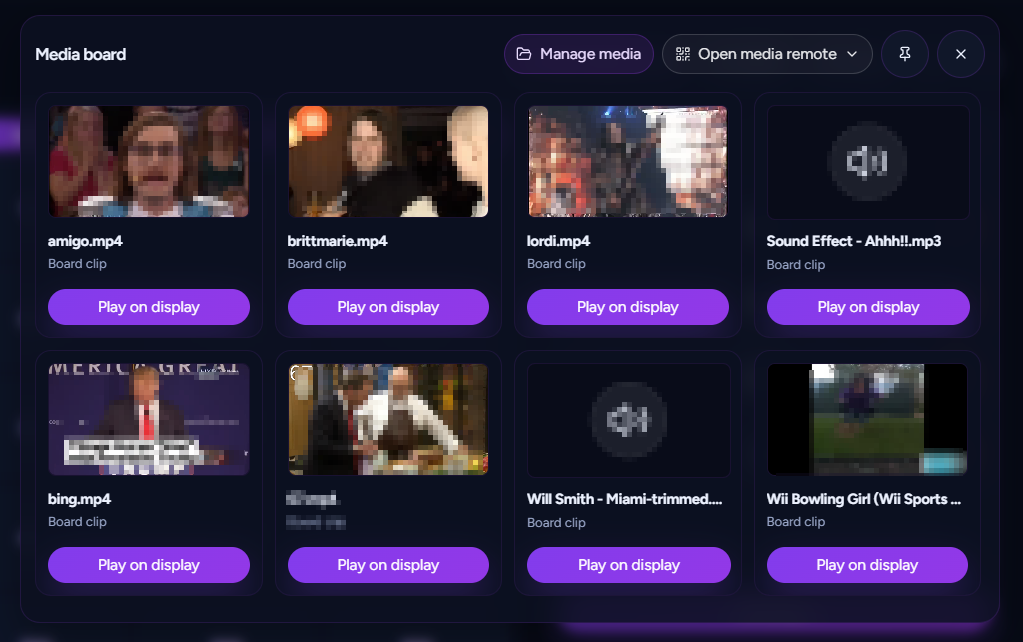
If your show uses the media board, add a few clips for transitions, reactions, or round intros. A short sound or visual moment can make the quiz feel more polished without taking attention away from the questions.
Host from the control room
During the quiz, open one card at a time, read the question, give teams time to answer, reveal the answer, update scores, and lock the card. The audience display updates as you host.
This keeps the room focused on the board while you stay in control of the pacing.
Pub quiz night checklist
- Create categories and questions before the event.
- Test the public display on the venue screen.
- Add teams before the first round.
- Keep question text short enough for the screen.
- Show the scoreboard between rounds.
- Reuse the show structure for recurring quiz nights.
Run your next pub quiz with QuizStage
QuizStage gives pub quiz hosts a browser-based board, private host controls, live scoring, and a polished audience display for the big screen.